
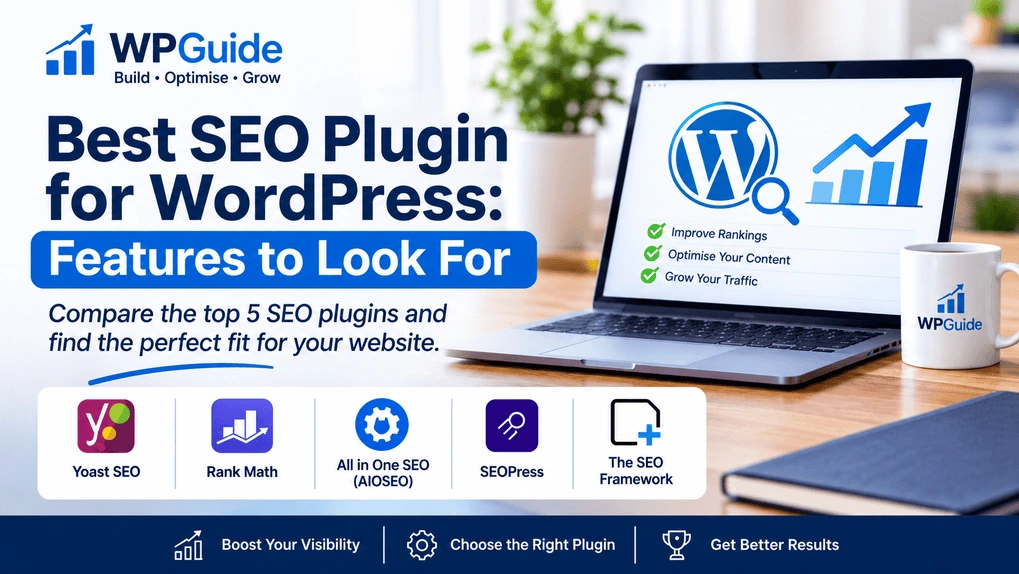
Best SEO Plugin for WordPress: Features to Look For
If you run a WordPress site in the UK, finding the best SEO plugin for WordPress can feel like guesswork. Many people install the most familiar name and never revisit the settings, which leaves gaps such as unsubmitted sitemaps or identical page titles. This guide explains the features worth checking, compares five established plugins, and gives you a scorecard to choose the right one. This guide is desk research. It draws on official plugin pages and WordPress.org listings, and the plugins have not been tested on a live site. What Makes a WordPress SEO Plugin Worth Using? An SEO plugin will not improve rankings by itself. It gives you one place to manage titles, descriptions, sitemaps and technical settings. Popularity shows that many people use a plugin, not that it suits your site. A ten-page brochure website and a shop with thousands of product pages need very different things. List the problems you want solved first, then run only one SEO plugin, because two can output conflicting tags. 10 Essential Features to Look for in a WordPress SEO Plugin 1. On-page analysis. Checks keyword use and readability as you write. Treat the scores as prompts, not targets. 2. XML sitemaps. Look for automatic updates when you publish or delete content. Google Search Console’s Sitemaps report flags any processing errors. 3. Meta titles and descriptions. You need per-page editing and templates for categories and archives. Repetitive titles make results hard to tell apart. 4. Schema markup. Labels what a page is, such as an article or a product. Google recommends JSON-LD, and markup should only describe content readers can see. 5. Technical controls. Robots.txt, canonical tags and redirects all affect which pages search engines see. Errors can hide pages, so look for clear warnings. 6. Image SEO. Prompts for descriptive alt text, and flags for images that lack it. 7. Internal linking suggestions. Helps you link related posts. This is often a paid feature. AIOSEO, for example, places its Internal Link Assistant in the Pro tier. 8. WooCommerce compatibility. Product titles, product schema and clean product sitemaps. Some vendors sell this as an add-on. 9. Performance. Test your site with PageSpeed Insights before and after installing. 10. Search Console integration. Check whether query and indexing data appears in your dashboard or only as a link. Five Plugins Compared Plugin Free version Paid tier Best fit Yoast SEO Content analysis, sitemaps, meta controls Premium adds a redirect manager and internal linking suggestions Beginners who want guidance Rank Math Schema, sitemaps, Search Console integration Pro adds rank tracking and more focus keywords Bloggers who want many tools free All in One SEO (AIOSEO) Check the WordPress.org listing for free-edition scope Pro adds the Internal Link Assistant; Elite adds rank tracking and Search Console metrics One tool for most jobs SEOPress Meta fields, sitemaps, content analysis, migration from rival plugins Pro adds WooCommerce SEO and site audit A light interface and easy switching The SEO Framework Meta tags, sitemaps, canonicals, schema, no ads or tracking Optional extensions via a free companion plugin Developers and minimal setup SEOPress PRO works as an add-on, so the free SEOPress plugin must be installed first. WooCommerce SEO in SEOPress requires the Pro version. SEOPress also offers one-click migration from several rival plugins, which helps if you switch. A Practical Scorecard Criterion Must have? What good looks like Editable titles and descriptions Yes Per-page fields plus templates Automatic sitemap Yes Updates on publish, submitted to Search Console Schema Yes Type selectable per page Robots.txt and canonicals Yes Editable, with warnings Redirects If you have moved content Editable and reliable WooCommerce support If you sell online Product schema in your tier Support Yes Documentation and responsive help Give each plugin a point for each “must have” it meets on the tier you would actually buy. Shortlist the top two. How to Test Your Shortlist Final Thoughts The best plugin is the one you understand and keep properly configured. Prioritise editable titles and descriptions, reliable sitemaps, accurate schema and sound technical controls. No plugin guarantees better rankings, so treat it as a tool that supports good content and a healthy website. Frequently Asked Questions Do I need an SEO plugin at all? Technically no, but practically yes. Core WordPress handles basic site indexing, but lacks dedicated controls for page-level meta tags, advanced JSON-LD schema, canonical customization, and automated XML sitemaps—all of which are critical for search engine optimization. Can I switch SEO plugins safely without losing rankings? Yes, provided you prepare. Take a full site backup, export your current metadata settings, and use the migration wizard offered by plugins like SEOPress or Rank Math to import your existing titles, canonical tags, and redirects automatically. Will running an SEO plugin slow down my WordPress site? Well-coded plugins like Yoast, SEOPress, or The SEO Framework have minimal performance impact. However, performance can drop if you enable resource-heavy add-ons you don’t use, such as live rank tracking or continuous 404 log monitoring. Can I use two WordPress SEO plugins at the same time? No. Running multiple SEO plugins creates conflicting meta tags, duplicate XML sitemaps, and overlapping schema markup. This confuses search crawlers and can negatively impact your search performance. Stick to one plugin. Do SEO plugins guarantee better rankings on Google? No plugin can guarantee top search positions. SEO plugins simplify technical configuration and on-page optimization, but ranking depends on content quality, backlink authority, user experience, and search intent alignment. References