How to Rank on Google Maps: The Complete Guide for UK Local Businesses
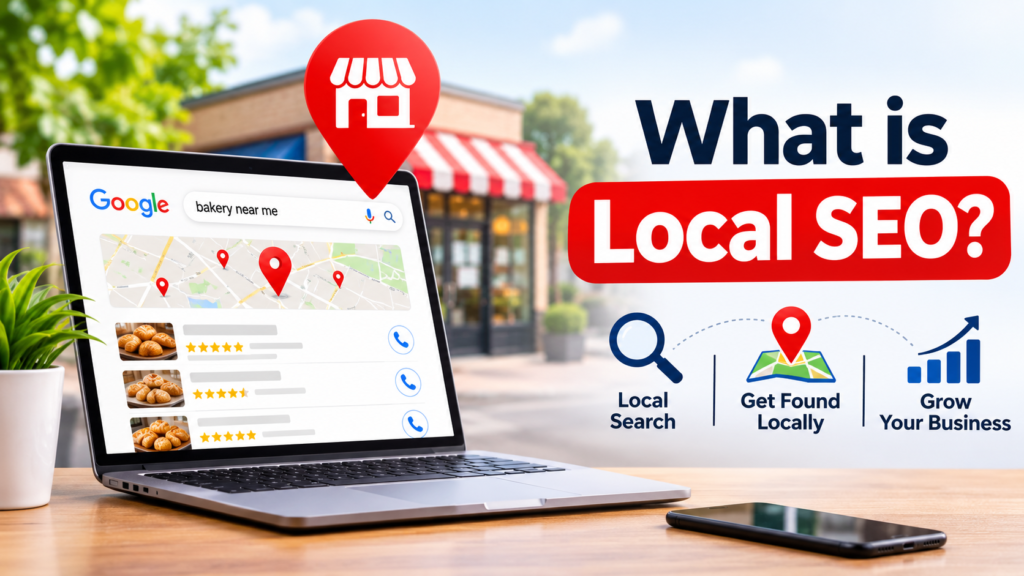
When someone types “plumber near me” or “best Italian restaurant” into their phone, the businesses that appear in the map section at the top of the results get the lion’s share of calls, visits and bookings. If you want to know how to rank on Google Maps, you are really asking how to win those prime spots, known as the Google local pack. The good news is that you do not need a huge budget or a technical background. You need a well-built Google Business Profile, consistent business information, genuine reviews and a website that backs it all up. This guide walks you through every step, in plain English, so you can rank higher on Google Maps and keep your position. If you would rather have experts handle it, the team at SEO Near Me helps UK businesses climb the local rankings every day. What Is Google Maps Ranking and Why Does It Matter? Google Maps ranking is the position your business appears in when people search for local services, either in the Maps app or in the three-business “local pack” shown on the main Google results page. It matters because local searches carry strong buying intent. People searching for a nearby service usually want it today. Being in the top three results can be the difference between a full diary and a quiet week. Google Maps SEO is simply the practice of optimising your business so Google trusts it enough to show it first. It overlaps with traditional SEO, but it has its own rules and priorities. How Google Decides Who Ranks: The Three Core Google Maps Ranking Factors Google has confirmed that local results are based mainly on three things. Relevance. How well does your profile match what the person searched for? Your categories, services and description all help Google understand what you do. Distance. How close are you to the searcher, or to the location they typed in? You cannot change where your premises are, but you can make sure your address is accurate and your service areas are set correctly. Prominence. How well known and trusted is your business? Reviews, mentions around the web, links to your website and your general online reputation all feed into prominence. Every tactic in this guide improves one or more of these three Google Maps ranking factors. Step 1: Claim and Verify Your Google Business Profile If you want to get on Google Maps, this is where it starts. Your Google Business Profile (formerly Google My Business) is the foundation of your Google business profile ranking. Until you are verified, you will not appear properly. Once verified, your business can appear on Google Maps for relevant searches. Step 2: Choose the Right Categories Your primary category is one of the strongest signals you control. Pick the one that best describes your main service, not the broadest one. A business that chooses “Italian restaurant” will usually outperform one that picks just “Restaurant” when someone searches for Italian food. Then add secondary categories for other services you genuinely offer. A dentist, for example, might add “Cosmetic dentist” or “Emergency dental service”. Do not add categories you do not truly cover, as irrelevant ones dilute your relevance. A quick way to research is to look at the top three competitors in your area and see which categories they use. Many free browser tools reveal this. Step 3: Get Your NAP Details Perfectly Consistent NAP stands for Name, Address and Phone number. Google cross-checks these details across the internet. If your business is “Smith & Sons Plumbing Ltd” on one directory and “Smiths Plumbers” on another, with two different phone numbers, you create doubt. To fix this: For UK businesses, make sure you appear in the major directories such as Yell, Thomson Local, Bing Places, Apple Business Connect, Checkatrade or Trustpilot where relevant, plus industry-specific sites. These listings are called citations, and consistent ones strengthen your prominence. If you want to rank on Google Maps UK-wide or in a specific city, local citations from regional sites help too. Step 4: Write a Strong Business Description and Complete Every Field Profiles that are 100% complete tend to perform better. Fill in everything Google offers: This is the heart of Google Maps optimisation: giving Google as much accurate detail as possible so it can match you with the right searches. Step 5: Upload High-Quality, Real Photos Photos build trust and drive clicks. Businesses with plenty of photos typically get more direction requests and website visits than those with few. Upload: Use real photos, not stock images. Add new ones regularly, ideally weekly or monthly. It signals that your business is active. Step 6: Collect and Respond to Reviews Reviews are one of the biggest drivers of both rankings and conversions. Google looks at the quantity, quality, recency and content of your reviews. How to get more reviews ethically: Never buy reviews, offer discounts in exchange for them or review-gate by only asking satisfied customers. These practices break Google’s rules and can get reviews removed or your profile penalised. Respond to every review. Thank people for positive feedback and answer negative ones calmly and professionally. Replies show Google and future customers that you are engaged. If customers naturally mention your services or location in their reviews, that adds relevance too. Step 7: Use Posts, Q&A and Messaging Google Posts let you share offers, events and updates directly on your profile. They are not a massive ranking factor on their own, but they encourage clicks and show the profile is active. Aim to post at least once a week. The Questions & Answers section is also worth attention. Seed it yourself by asking and answering common questions, such as “Do you offer weekend appointments?” Monitor it so incorrect answers from strangers do not stay up. If you turn on messaging, reply promptly. Fast responses improve customer experience and conversions. Step 8: Optimise Your Website for Local Search Your website supports your profile. A strong, locally focused site